License Registration
You must first register Company Central to use its functionality. Follow the steps below to do this.
Enable HttpClient Requests in the Company Central Extension
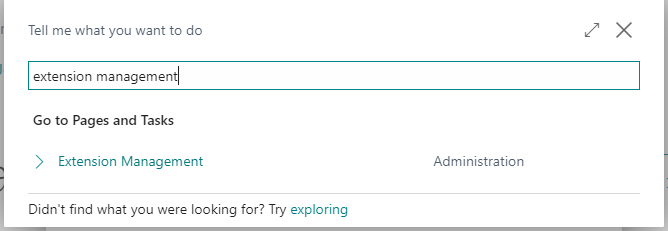
Click the magnifying glass, search for Extension Management, then click the related link.
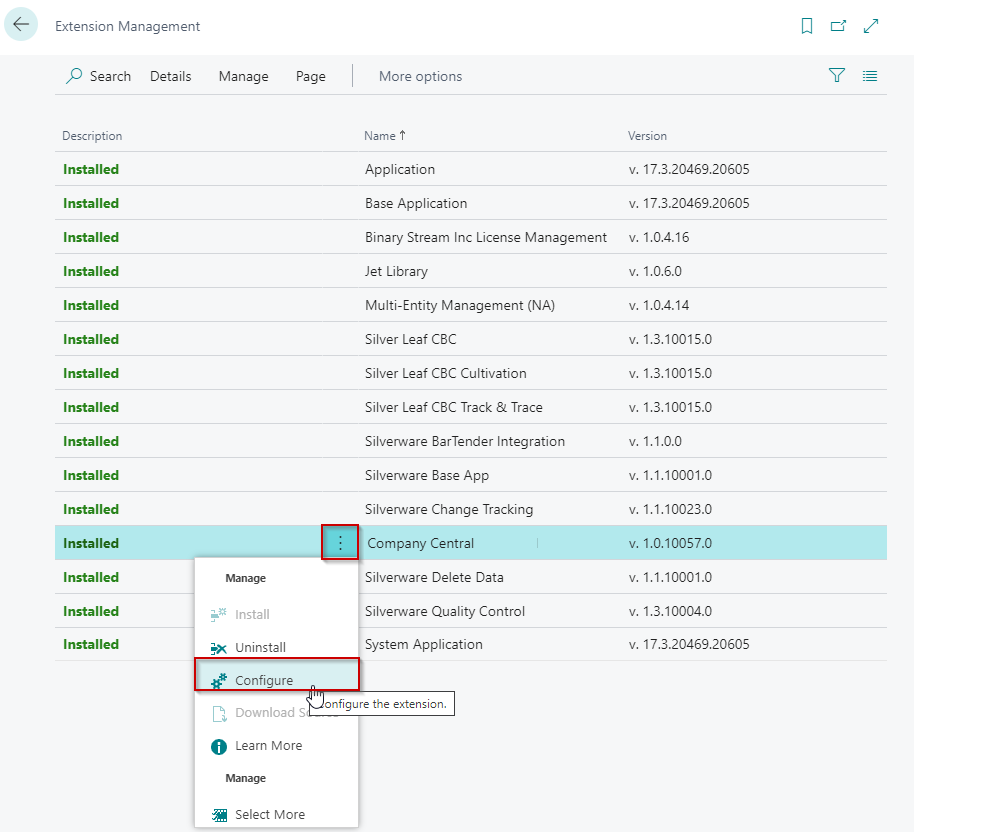
Select the triple dots for the Company Central extension and then click Configure.
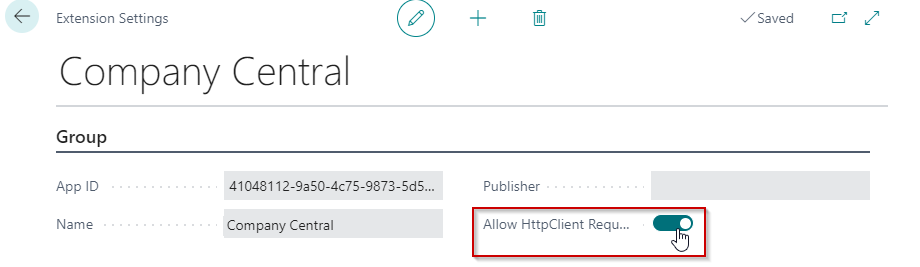
Toggle Allow HttpClient Requests to the “on” position.
Register the License
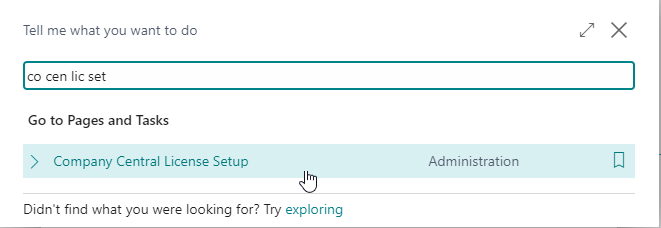
Click the magnifying glass, search for Company Central License Setup, and click the related link.
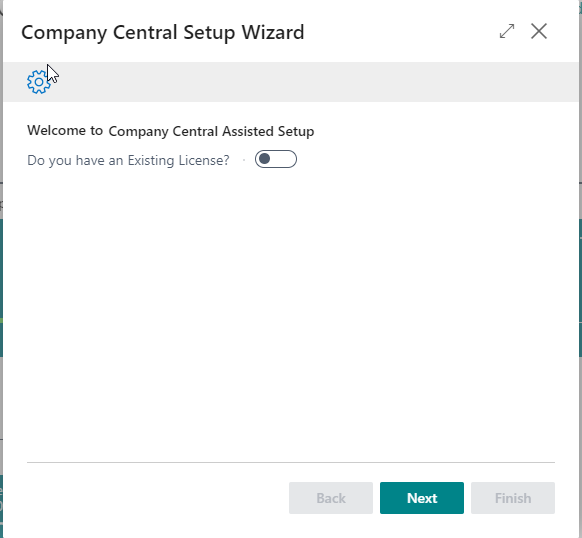
When asked if you have an existing License, keep the toggle on No and click Next.
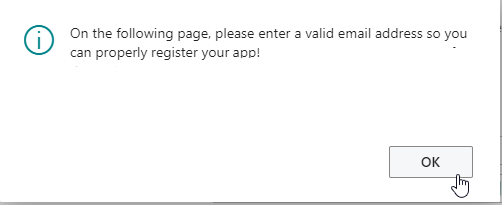
You will receive a confirmation message providing instructions to fully activate the registration. Click OK.
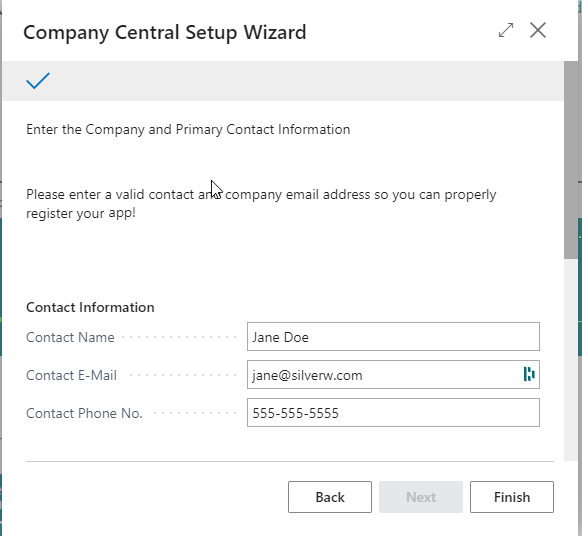
Enter the requested details.
Note
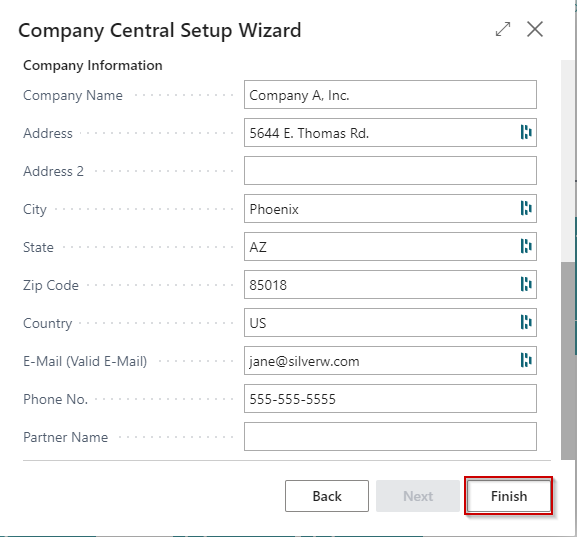
You must scroll down to see and complete all the fields. Click Finish when complete.
After you click Finish you will get a message telling you that you have been successfully registered After you click OK, you will get a second message telling you to close and re-open the client for the changes to take effect. Click OK again.